Hit record.
Capture a screen, window, or region. Add your voice and camera when the story needs you.
A SCREEN RECORDING STUDIO FOR MAC
For the ideas that deserve more than a screen recording. Capture beautifully. Edit intuitively. Make it yours.
U.S. $9.99 · China ¥78 · One-time purchase · macOS 14+

01 / THE WORKSPACE
Everything between “let me show you” and a video worth sharing. In one native Mac workspace.
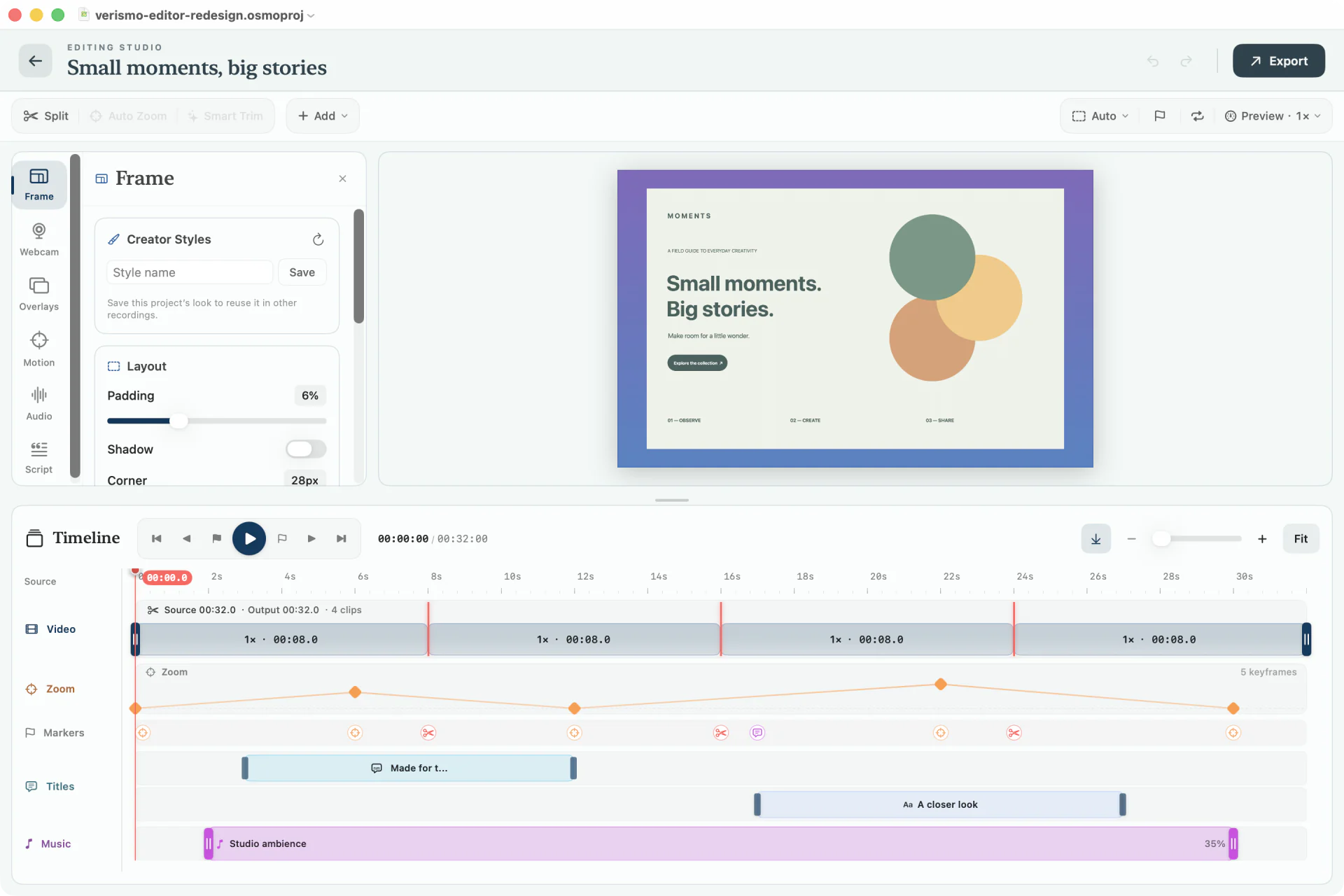
Pad, round, and float the capture on a solid, gradient, blurred, image, or animated procedural backdrop — grid-pulse, dots, waves. Reframe the same recording to 16:9, 9:16, 1:1, or 4:5 for landscape, Reels/TikTok/Shorts, or square posts — no reshoot needed.
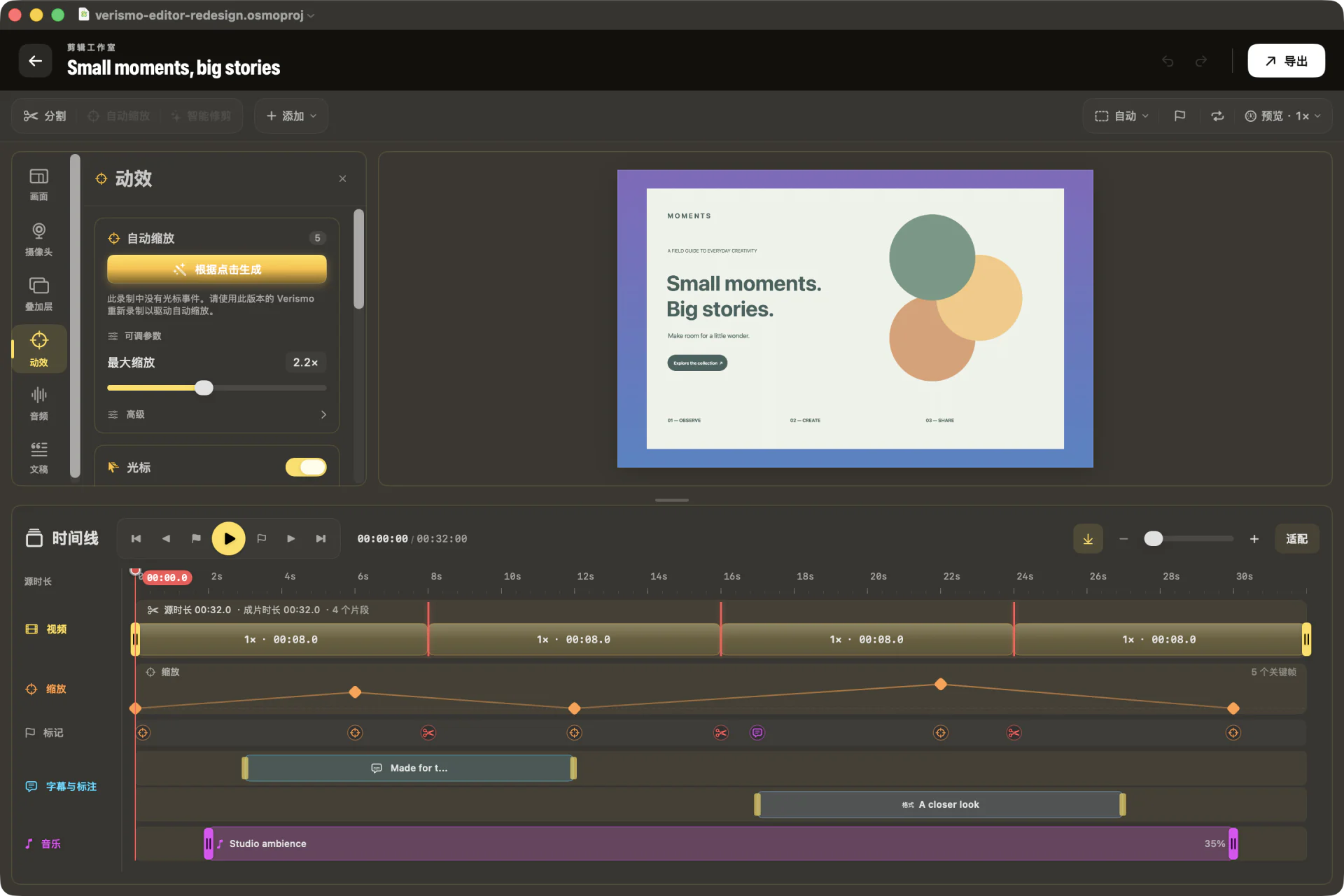
Your click clusters become smoothed zoom keyframes. Hand-edit any of them, or regenerate the whole envelope with one button.
A synthetic cursor — dot, ring, arrow, or square — with halo glow and click ripples, smoothed over the raw event stream.
Keep the canvas and timeline in view, open the tools you need, and inspect a selected clip or caption without losing your place.
For a walkthrough, everything but a soft circle around the cursor drops into shadow, and every recorded click gets a quiet synthesized tick — dimming and sound baked right into the export.
Round picture-in-picture in any corner — or a person cutout keyed straight onto your screen content. No green screen needed.
A logo watermark in the corner you choose, plus intro and outro cards that hold a title over the first and last seconds. Set it once and it saves with your Creator Style, then prints onto every take.
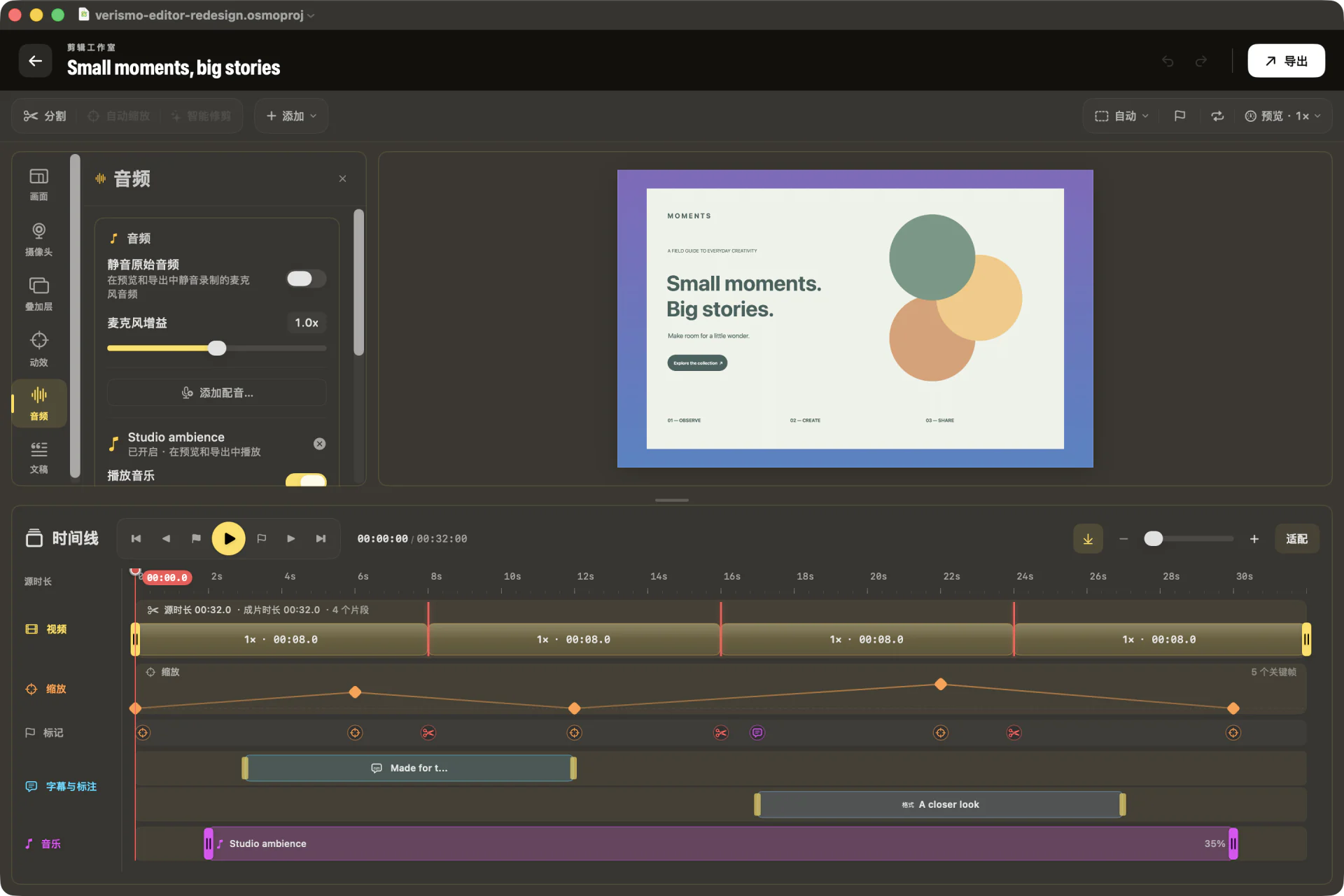
Text, arrows, and highlights scoped to the timeline — plus blur and pixelate redactions (R) for anything the take shouldn't show. An MP3/M4A music bed rides underneath, with trim and volume handles. Everything bakes into the export.
Lay a track under your voice and it ducks itself — word-accurate when there's a transcript, level-matched from the mic when there isn't. No keyframing the volume by hand.
Global recording, app navigation, and editor commands share one registry. Remap the actions you use, see menus and help update instantly, and catch Verismo or macOS conflicts before a key silently fails.
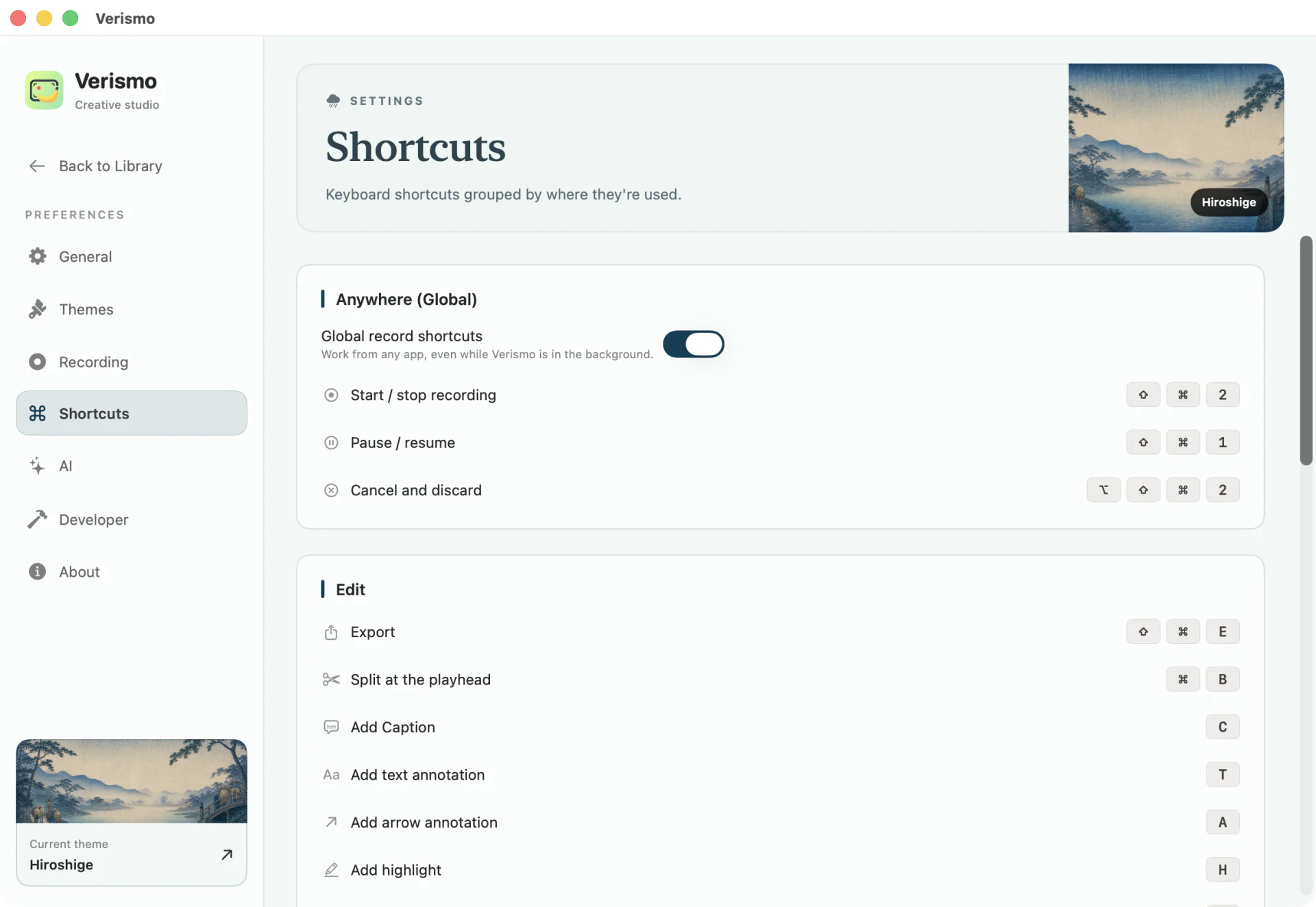
A floating teleprompter you read while recording — auto-scroll or drag. It’s excluded from capture, so only you ever see it.
A responsive toolbar keeps search, filters, sorting, views, import, and recording readable. Combine smart collections with aspect, duration, and track filters, then remove active chips one by one. Recovery items stay visible instead of disappearing.
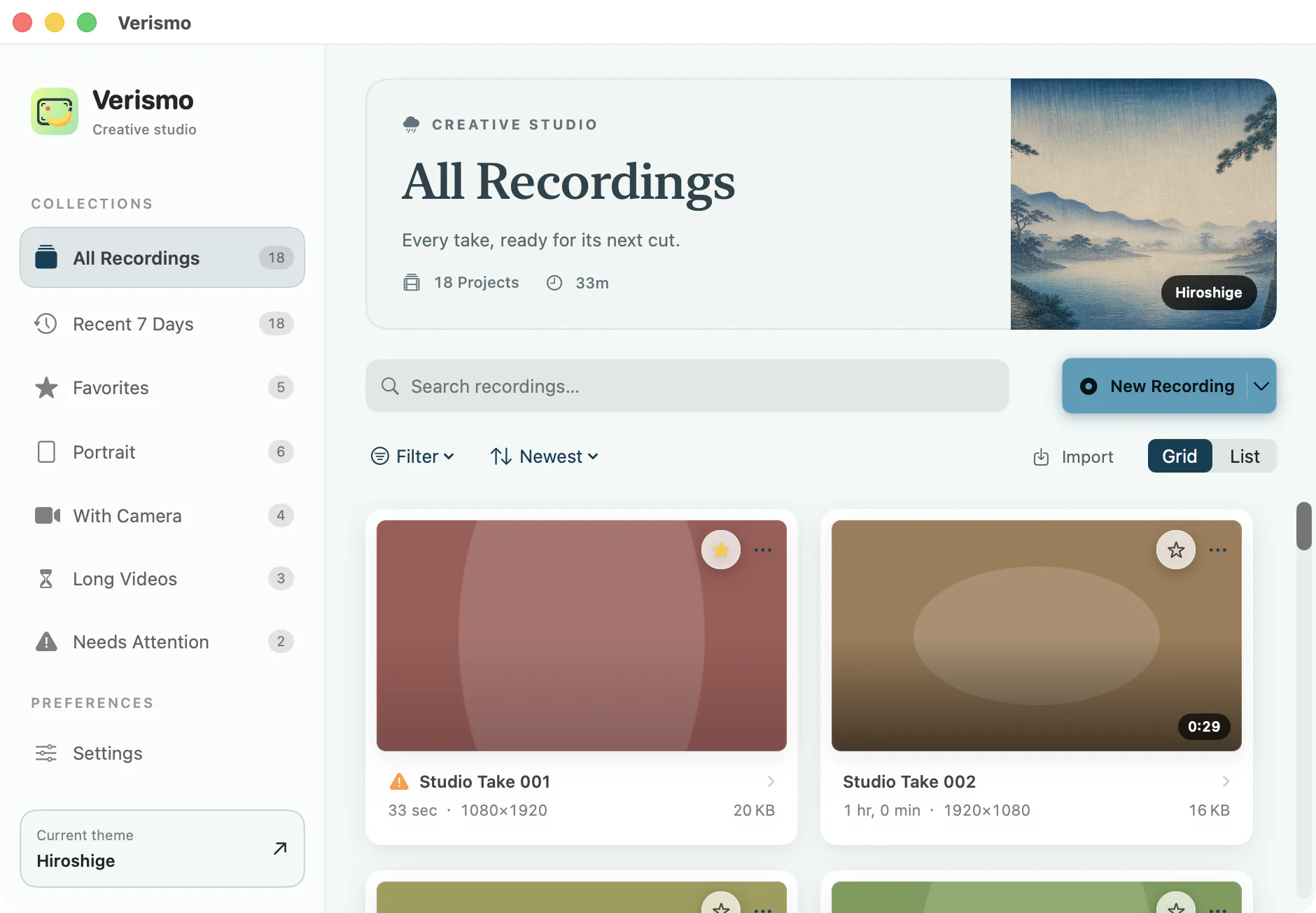
Capture a screen, window, or region. Add your voice and camera when the story needs you.
Trim the pauses. Follow the cursor. Bring it together with framing, captions, and sound.
From a quick GIF to a 4K video. Export in the sizes you need, from the same project.
03 /A SIGNATURE LOOK
Your workspace, in your own style. Preview five themes in the real app.
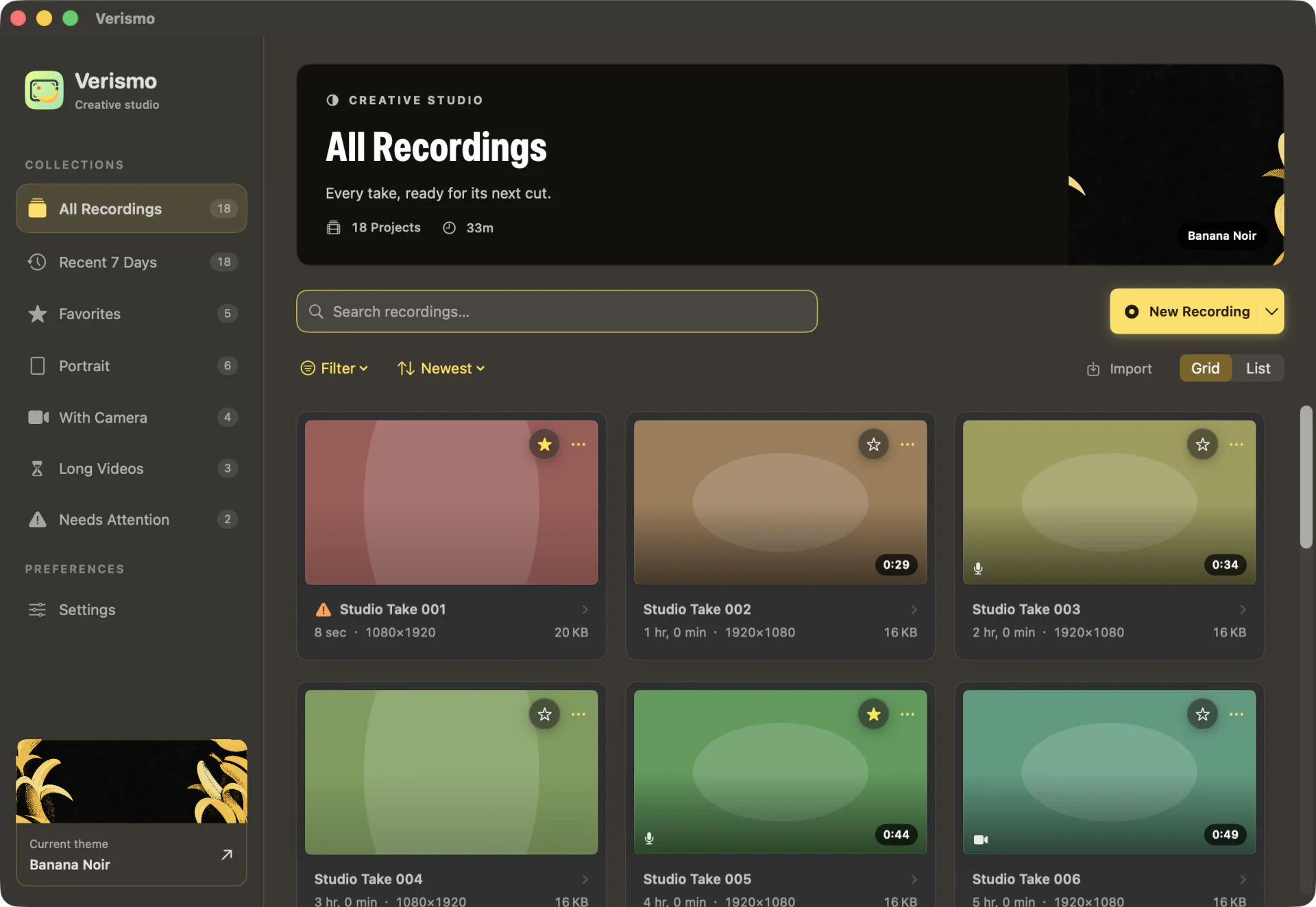
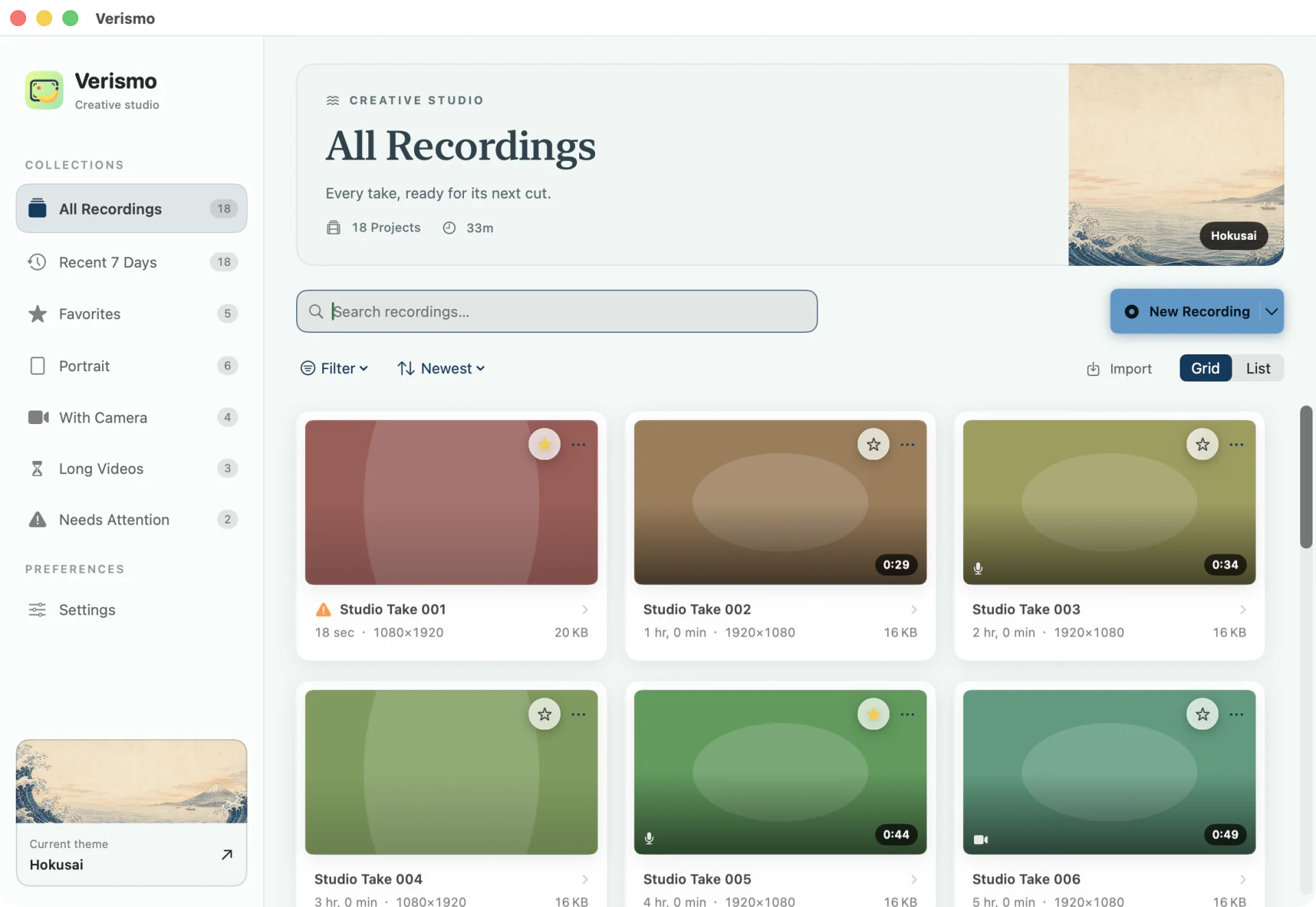
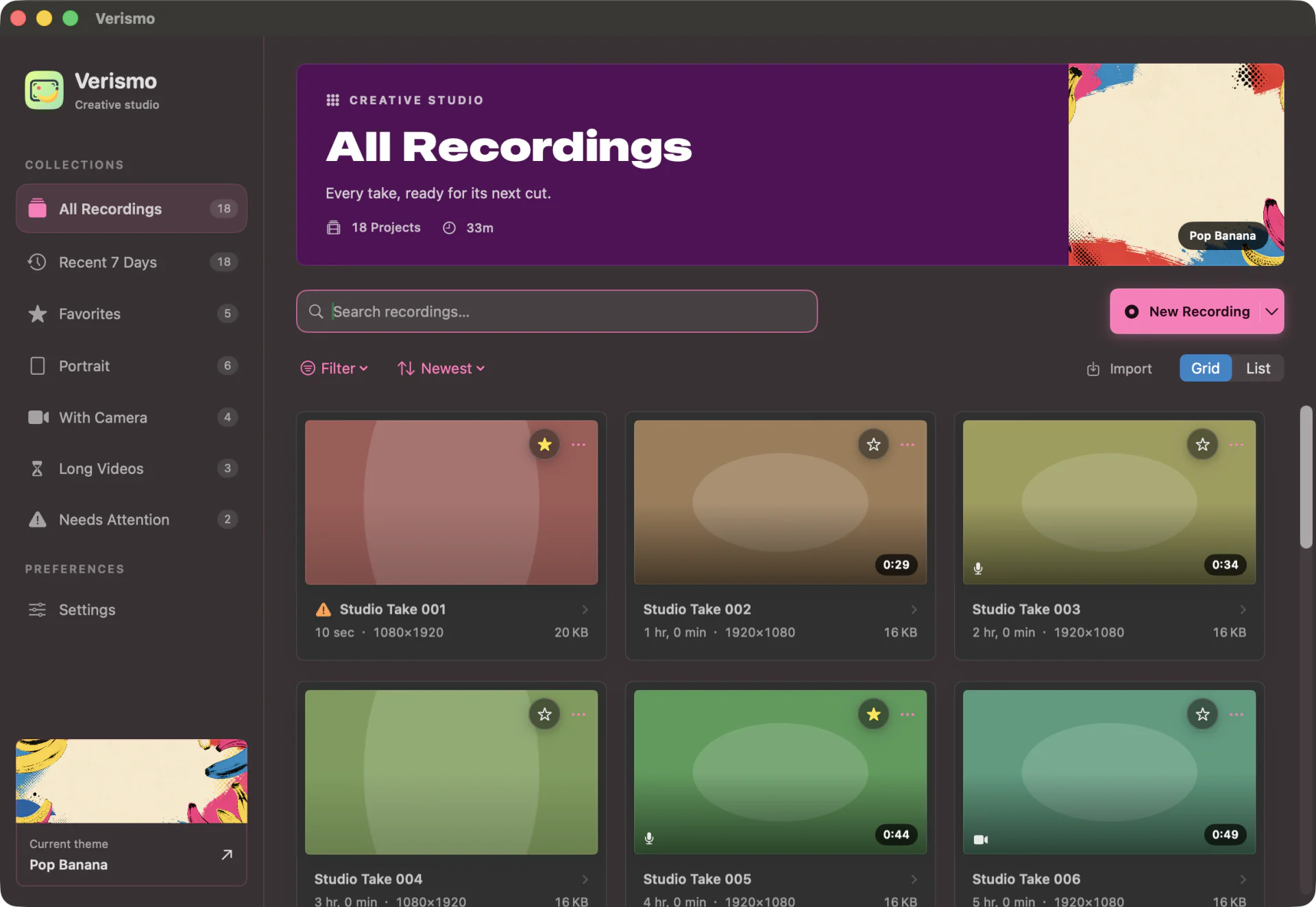
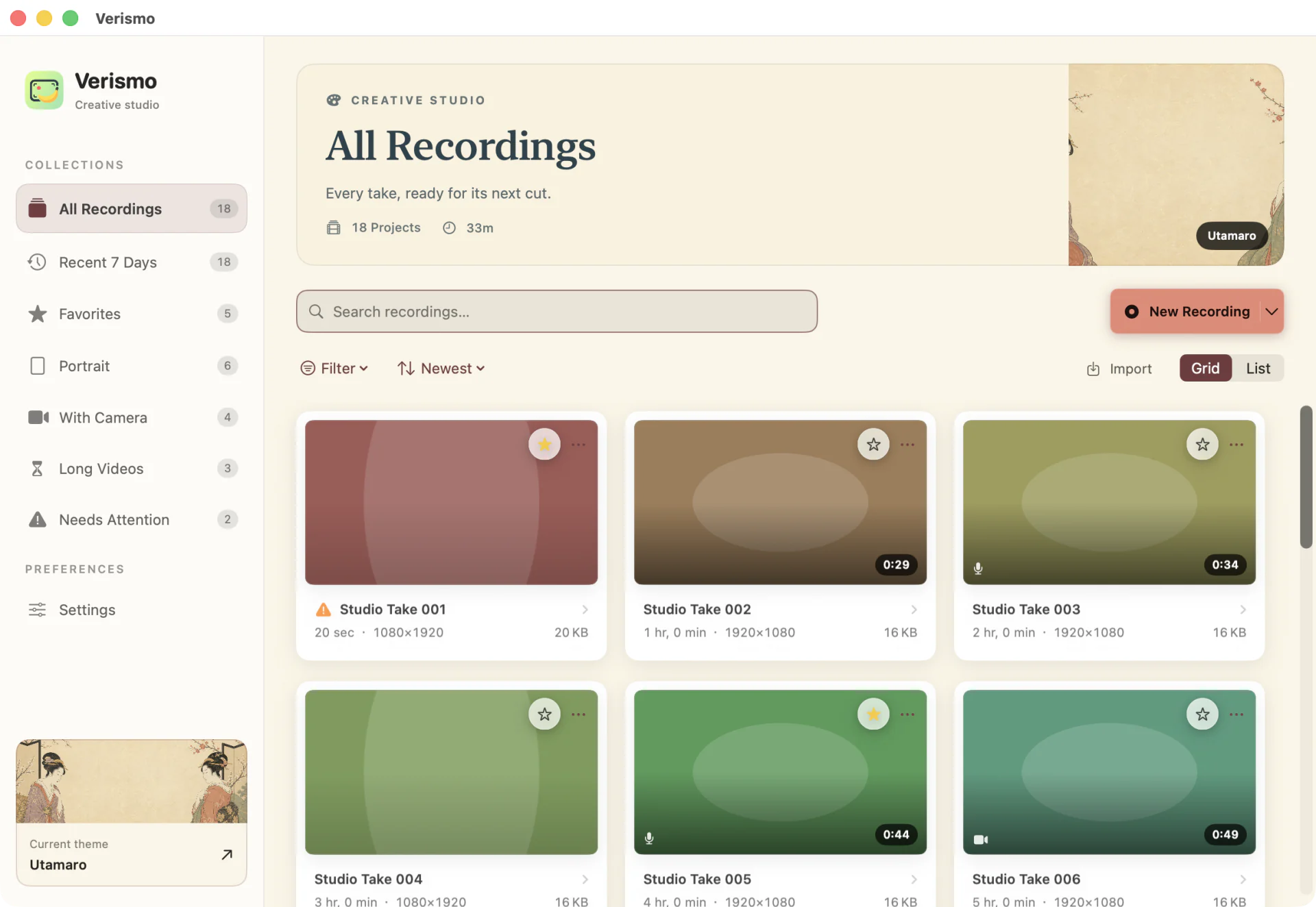
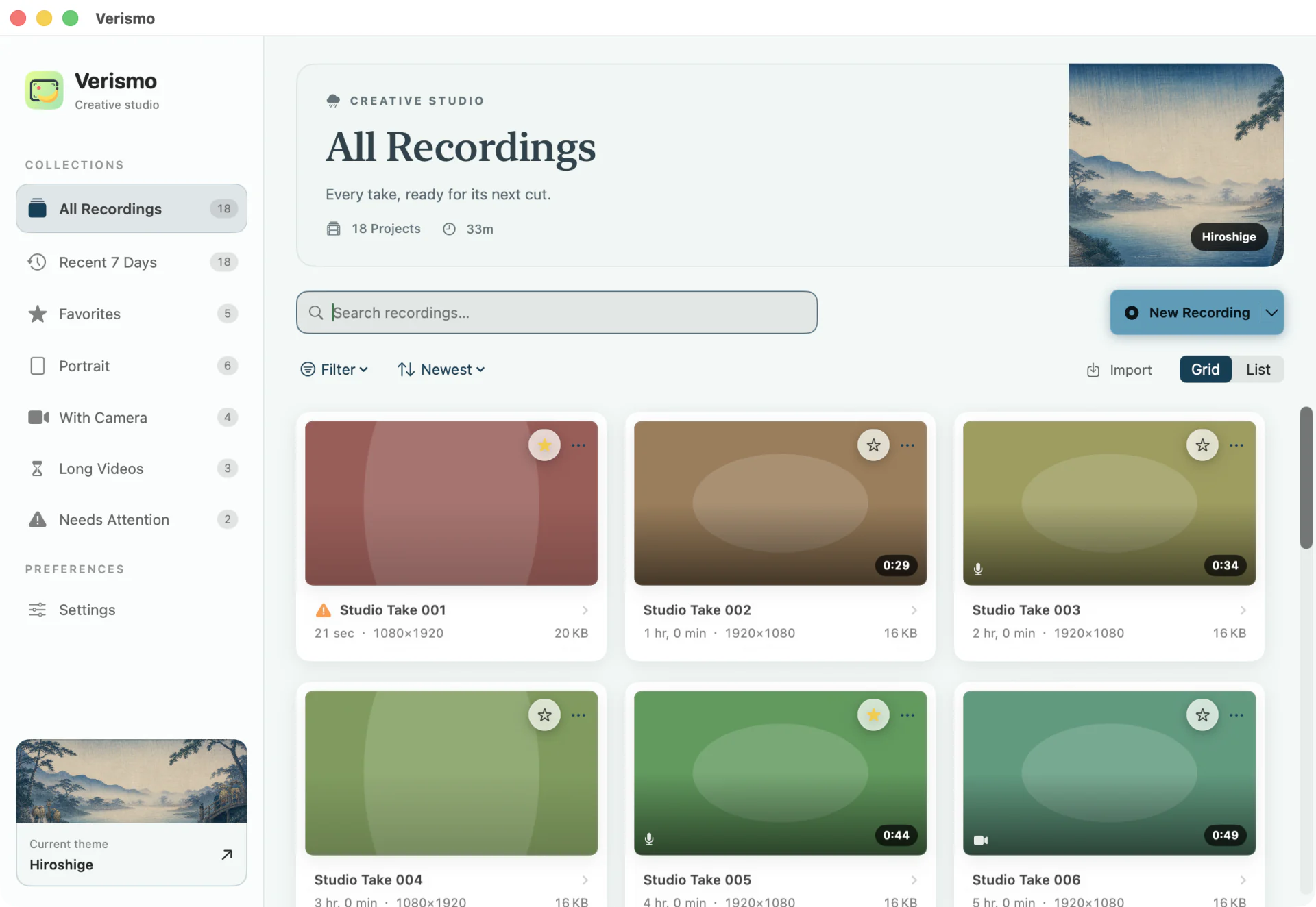
Five themes in the real workspace. Banana Noir and Hokusai are included; Pop Banana, Utamaro, and Hiroshige are optional one-time purchases.
04 /A LITTLE CREATIVE ASSIST
Turn narration into a transcript, edit by selecting words, and generate captions and publishing copy. Optional AI uses your own key, only when you ask.
Explore the AI workflowEvery um, every great idea deserves a little clarity.
05 /CREATIVE FREEDOM, INCLUDED
06 / FAQ
Short answers to the usual questions.
Verismo is a native Mac screen recorder and video editor for macOS 14 or later. It records displays, windows, apps, or regions, then edits and renders each project on the Mac.
Verismo is a one-time purchase: $9.99 in the U.S. Mac App Store and ¥78 in China. Storefront taxes and localized prices can differ, and Verismo has no monthly or annual subscription.
Verismo prioritizes one-time ownership, local project files, deeper timeline editing, BYOK AI, and repeatable export sets. Screen Studio prioritizes automatic motion polish, on-device transcription, tethered iOS capture, and hosted share links.
Any Mac running macOS 14 (Sonoma) or later.
No. Recording, editing, and export are fully local. Your own key unlocks optional transcription and invoked AI actions such as Refine with AI, Translate, Smart Trim, and Publish Kit. Captions use the resulting timed transcript.
In ~/Movies/Osmo Recordings, as self-contained .osmoproj bundles holding the video, mic audio, cursor log, and your edits. The Library window lists them all; Finder works too.
No — every move is clickable. When you're ready to go faster, press ? in the editor for the built-in cheat sheet, or browse every shortcut on its own page.
Yes. Import a QuickTime .mov or .mp4 (Library → Import, or ⇧⌘I) and Verismo turns it into an editable project — framing, zoom, cursorless captions, music, and all.
A local MP4 up to 4K/60 or a GIF, plus optional SRT/VTT subtitle files. Export Sets can render multiple formats and aspect ratios from the same non-destructive project, and output uses the same compositor as the editor preview.
THE NEXT TAKE IS YOURS
U.S. $9.99 · China ¥78 · One-time purchase · macOS 14+