Verismo v1.15.0
← Verismo

AI delivery workflow · Verismo 1.15

Record → edit the words → captions → ready-to-publish copy.

AI is useful when it shortens the path to a deliverable. Verismo keeps the recording, transcript edit, captions, and Publish Kit on one project timeline instead of scattering them across separate tools.

01Edited videoMP4 · GIF
02CaptionsSRT · VTT · BURN
03Publish copyTITLE · DESCRIPTION · CHAPTERS

One delivery pass

The transcript is part of the timeline

Generate it once, then use the same timed words to edit footage, render captions, and ground the copy that accompanies the final video.

  1. 01

    Record the walkthrough

    Capture a screen, window, app, or region with narration. The editable project exists on disk before capture begins.

  2. 02

    Select words to cut the footage

    Request a Whisper transcript with your own key. Select spoken words and cut or restore their matching video ranges without changing the source recording.

  3. 03

    Turn the transcript into captions

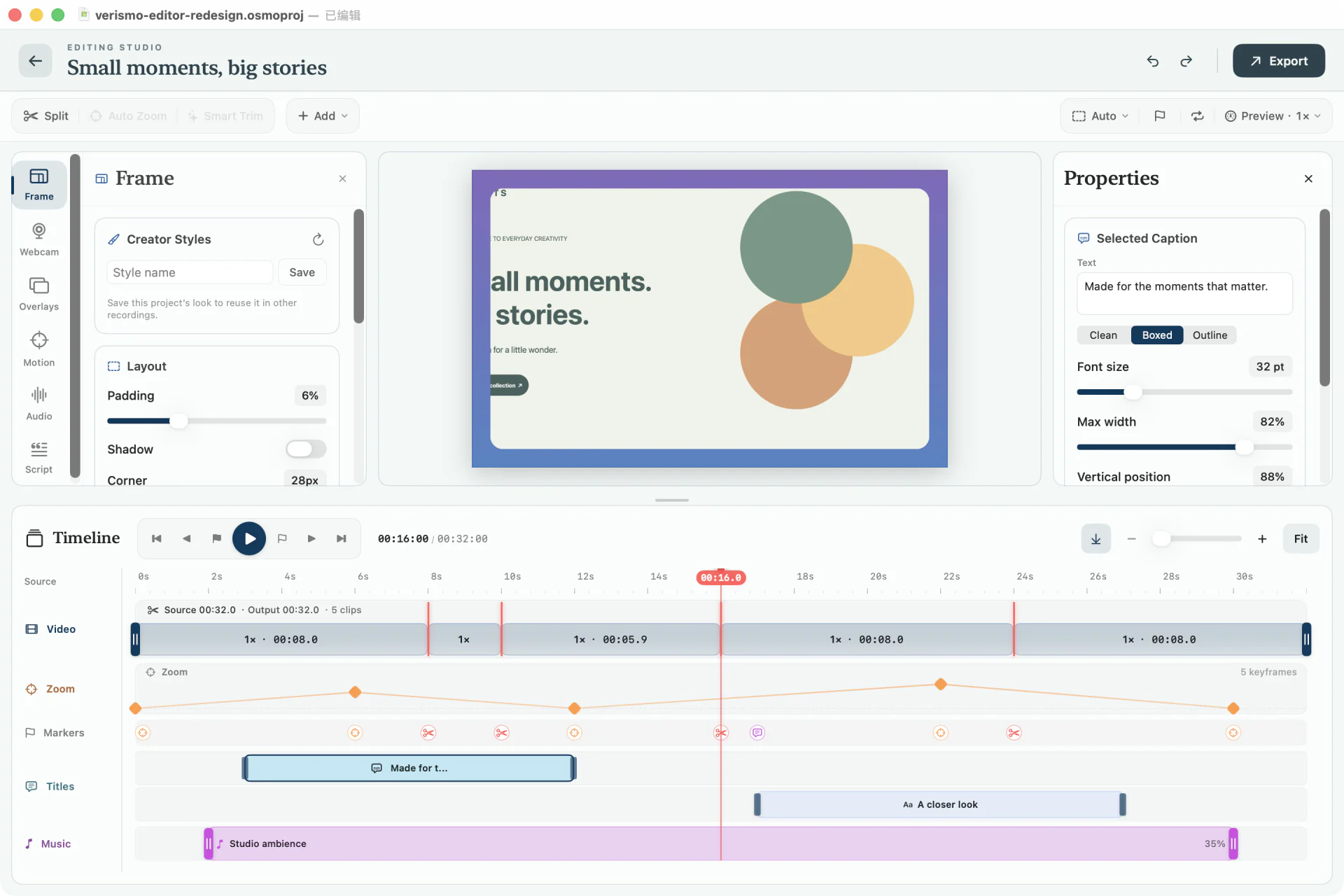
    Choose Clean, Boxed, Outline, or Active Word styling. Burn captions into the video or deliver SRT and VTT sidecars.

  4. 04

    Generate the page around the video

    Publish Kit drafts a YouTube title, description, and chapters from the transcript and your markers. Chapter timestamps are mapped to the final output after cuts.

Verismo editor’s Script inspector with a transcript word grid and controls for AI refinement, captions, translation, and Publish Kit.
The real Script inspector in Verismo 1.15 — transcript editing, captions, translation, and Publish Kit in one panel.

A visible privacy boundary

Nothing happens until you ask.

Recording, editing, rendering, and export stay local. AI actions are optional, use your OpenAI API key, and send only the material needed for the action you explicitly invoke.

Read the complete privacy model →
LOCALProject and renderVideo · system audio · cursor · edits · exports
ON REQUESTYour OpenAI accountNarration audio for transcription · transcript text for invoked AI actions
Direction · not shipped in 1.15

The next deliverable

Recording → SOP

The next differentiation is to turn a captured workflow into step-by-step operating instructions anchored to frames and timestamps: a reusable procedure beside the finished walkthrough.

00:12Open Recording settings
00:31Choose the capture source
00:47Verify system audio

What ships today: video, captions, and publish copy. SOP generation is a product direction, not a current Verismo 1.15 feature.

Questions

What the AI does — and does not do

Does Verismo automatically make editing decisions?

No. You request transcription, select the words to cut or restore, choose whether captions are enabled, and review the generated publish copy. Transcript cuts are non-destructive.

What leaves my Mac when I use AI?

Narration audio is sent directly to OpenAI only when you request transcription. Transcript text is sent only when you explicitly invoke refine, translate, or Publish Kit. Verismo uses your own OpenAI API key.

Do chapter timestamps account for cuts?

Yes. Publish Kit maps transcript segments and timeline markers onto the output timeline, so chapters match the final edited video.

Can Verismo generate an SOP from a recording?

Not in 1.15. Recording-to-SOP generation is a product direction, not a currently shipped feature.